Music Reporter
Summary
When publishing a video to YouTube, an editor often wants to credit the artists behind the music. But it can be a hassle, if not a challenge, to create a textual list of the music used in a sequence.
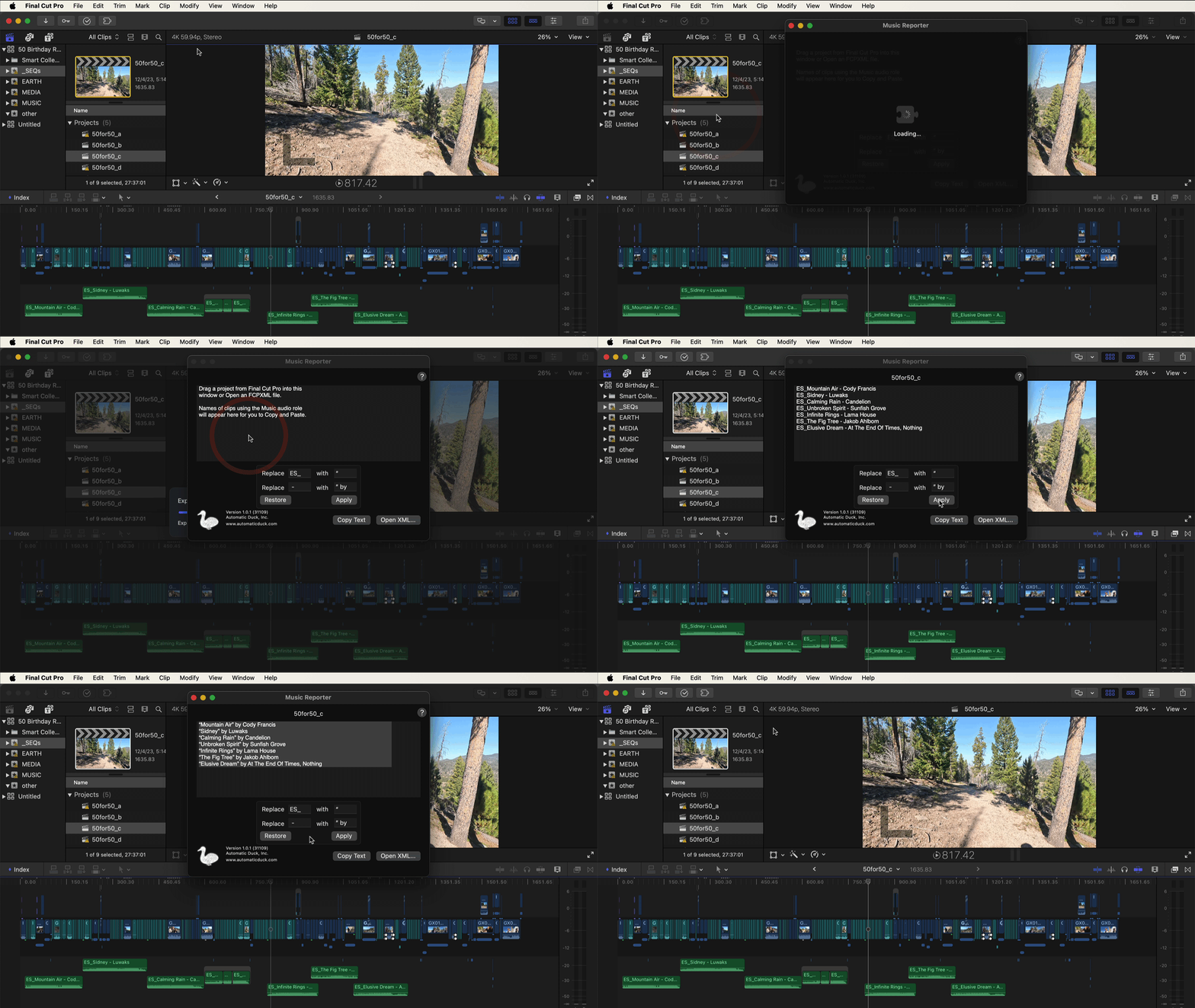
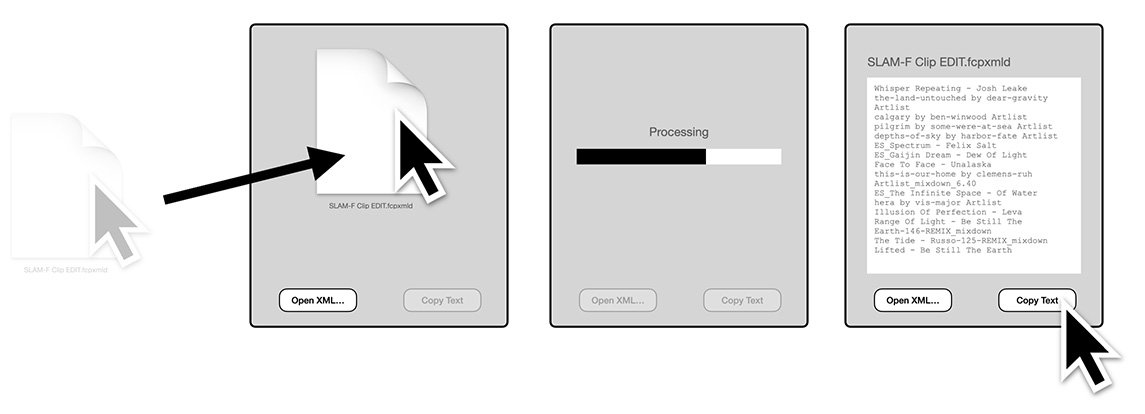
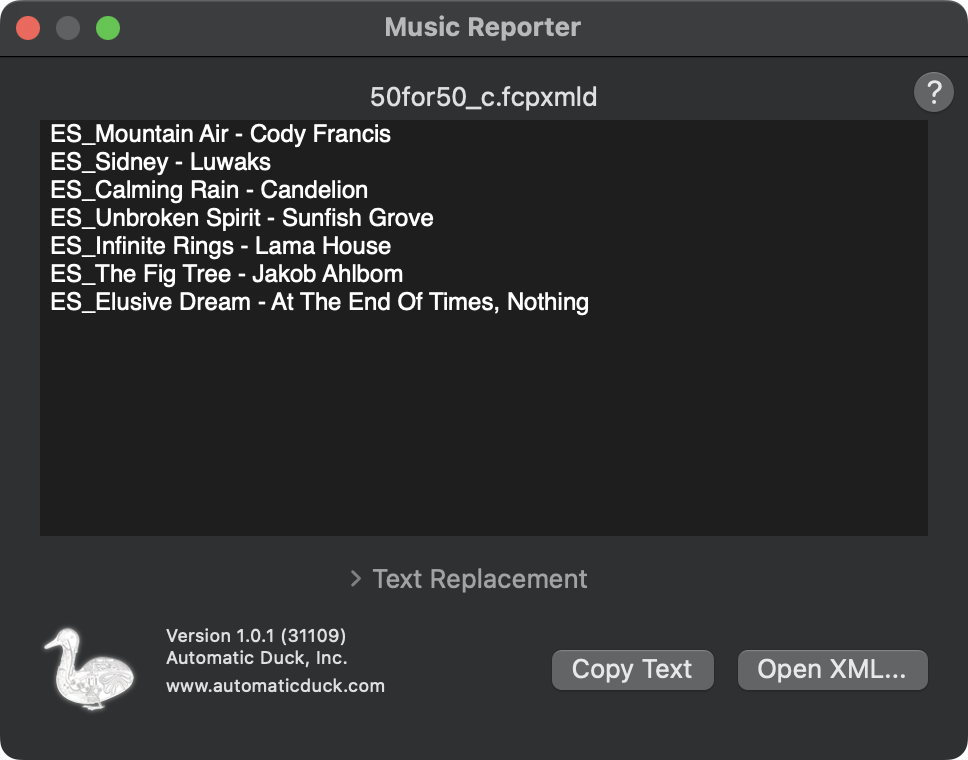
The Music Reporter app is a macOS application and FCP workflow extension that reads or receives XML from Final Cut Pro, then after parsing the XML the app displays in sequence order the names of the sequence clips that were assigned the Music role.
XML
The Music Reporter app processes XML from Final Cut Pro to get the clip names of clips tagged as Music.
You can export an XML of your Final Cut Pro project or compound clip, then open that XML in the Music Reporter app.
Or you can use the Workflow Extension and drag your project or compound clip directly from Final Cut Pro into the Music Reporter workflow extension
Text replacement
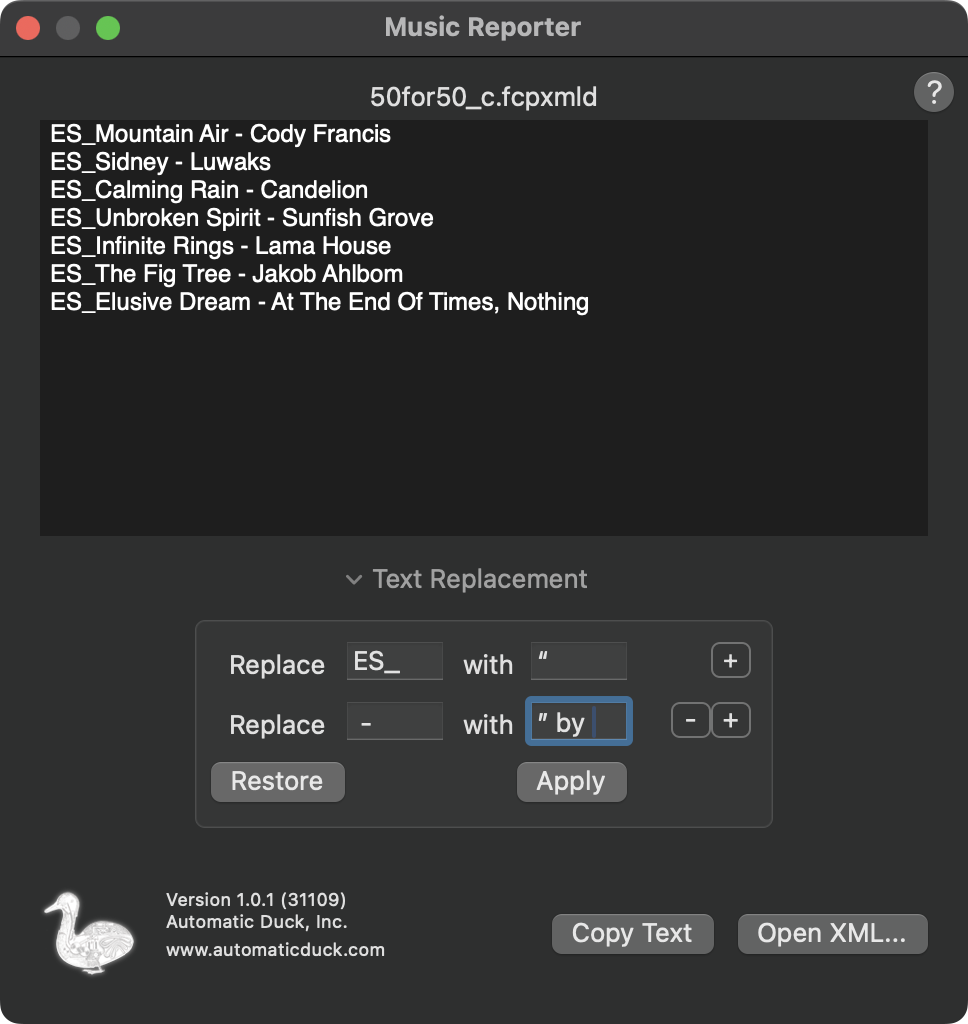
The Text replacement feature gives you basic controls to replace text in the result with simple rules.
For example, if you're using music from Epidemic Sound, the files you downloaded might start with the text "ES_", followed by the song name, followed by the artist name.
You could replace "ES_" with an opening smart quote and the replace the space dash space sequence with a closing smart quote and the word "by", followed by a space so that the results looked like:
“Mountain Air” by Cody Francis
“Sidney” by Luwaks
“Calming Rain” by Candelion
“Unbroken Spirit” by Sunfish Grove
“Infinite Rings” by Lama House
“The Fig Tree” by Jakob Ahlbom
“Elusive Dream” by At The End Of Times, Nothing
This is easy in Music Reporter.
Open the Text replacement feature and add a couple rules:
Replace ES_ with “
Replace - with ” by
Click Apply to see the results.
Click the Restore button to undo changes to the results, and put the original results of the Music Reporter processing into the window.

No Music
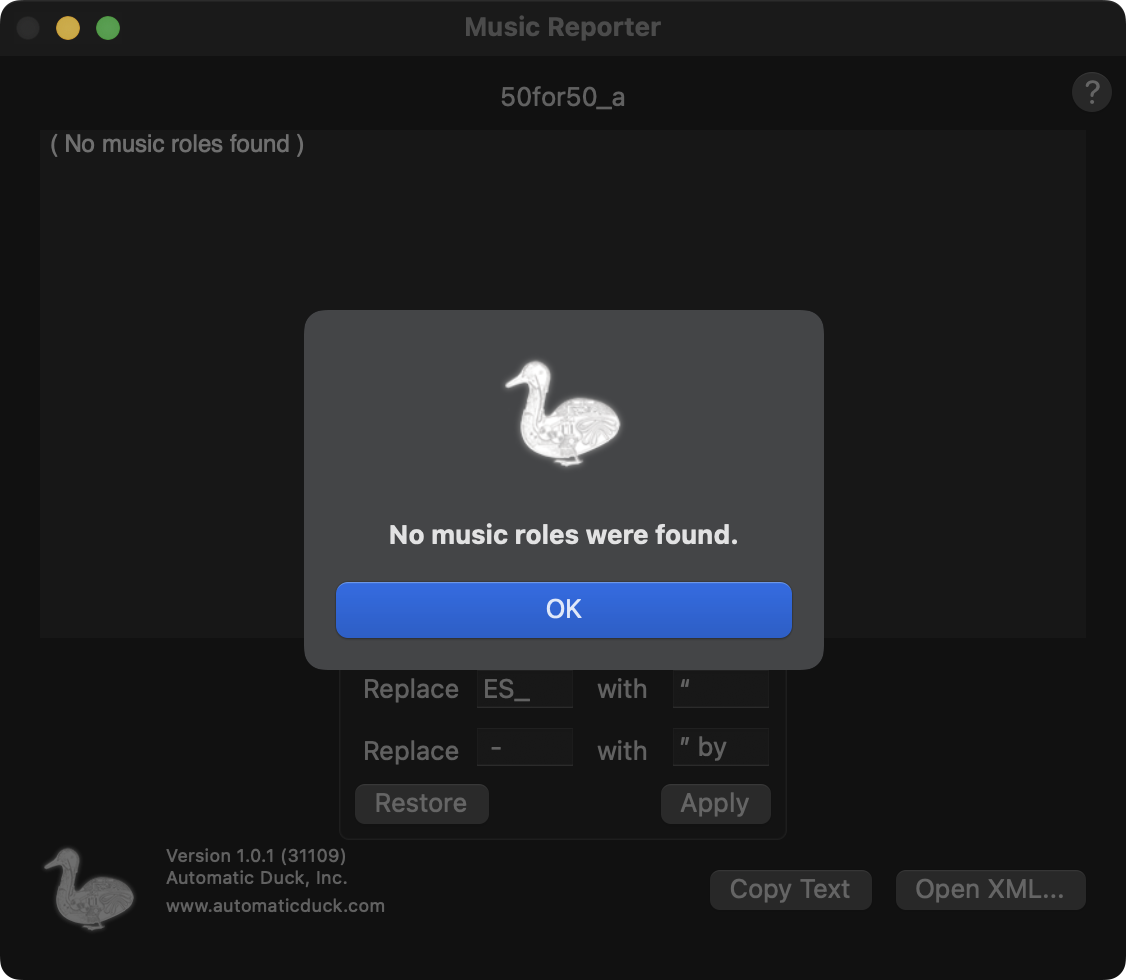
If the Final Cut Pro timeline you send to Music Reporter contains no clips assigned the Music role, Music Reporter will tell you. Assign the Music role your music clips and try exporting again.
Support
To contact support click Submit a request at the top of https://automaticduck.zendesk.com/hc/en-us