Multicam Flattener
Finally it is possible to flatten Multicam clips in Final Cut Pro timelines!
Multicam clips can't be stabilized, require additional system resources to play back all the alternate angles, and users often ask to finalize or flatten their multicam clips to the actual source media in the selected angles.
The Multicam Flattener workflow extension for Final Cut Pro makes it possible!
Click here to read help articles about capabilities.
Demo content provided by editstock.com and editmentor.com
Demo content provided by editstock.com and editmentor.com
Xsend Motion
The missing piece between Final Cut Pro and Motion: Xsend Motion from Automatic Duck.
Xsend Motion converts your FCP timeline into a Motion project in just seconds, translating Transforms like Position and Scale, Opacity and blending modes, titles and the Custom LUT effect as well.
A new Motion project is created referencing the same media files used by Final Cut Pro, no new media is created. You can easily adjust your footage in Motion, everything is live and not baked-in.
You can send an entire project from FCP to Motion, or you can export the contents of a compound clip to XML and translate that into Motion. Your Motion work can be exported back to FCP as a QuickTime movie or published as a Generator. Any time you have a clip or set of clips in FCPX that want to use in Motion, Xsend Motion is the tool you need to send those projects across.

Ximport AE
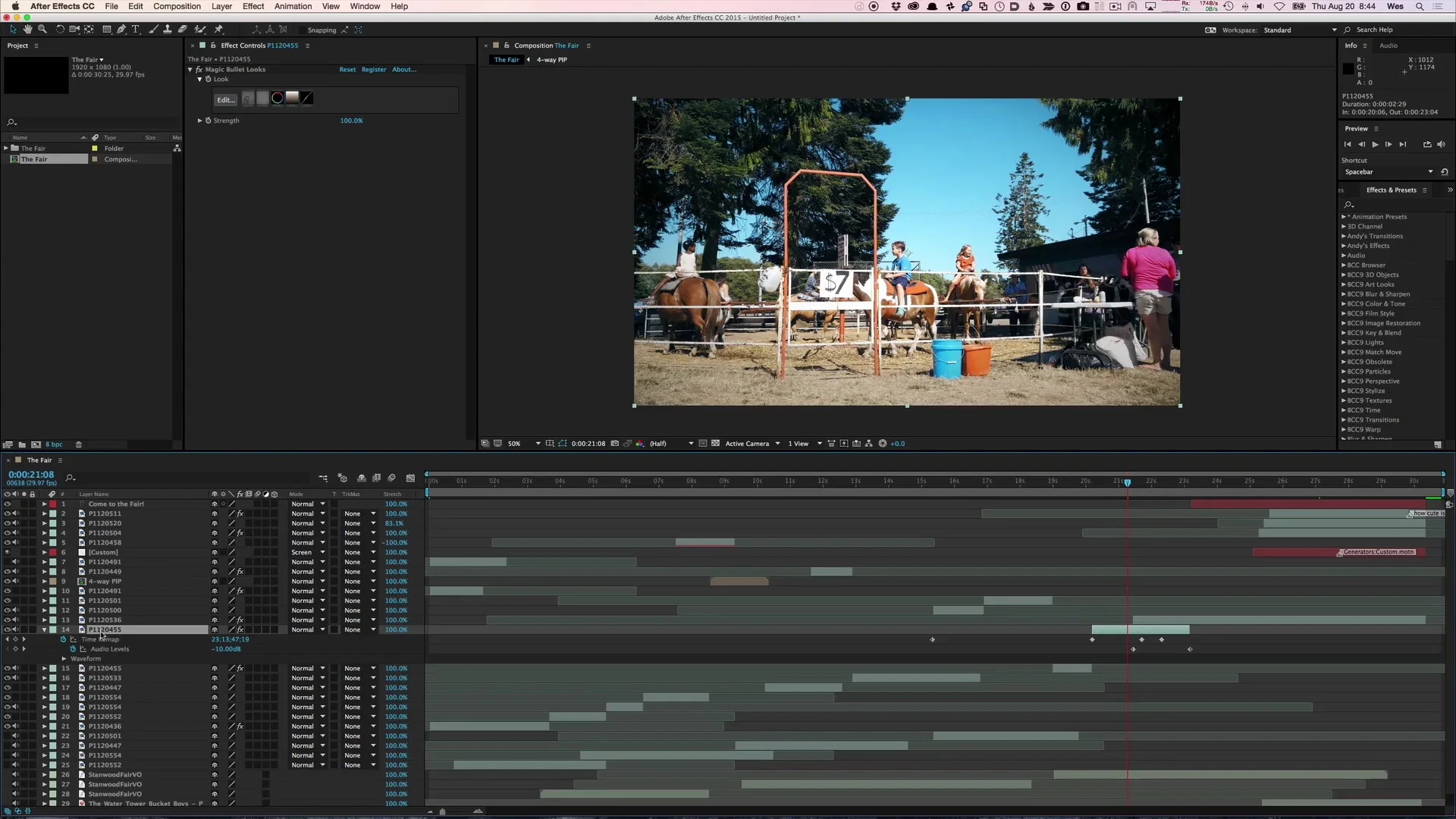
Ximport AE is a powerful After Effects plug-in that imports XML files from Final Cut Pro. This plug-in offers the most complete workflow for translating a timeline from Final Cut Pro to Adobe After Effects.
Watch the QuickStart video at the right to get an introduction to Ximport AE. It is a very powerful plug-in, and the best way to get to know it is to use it.

Automatic Duck is proud to be an Adobe Video Partner
Learn more about the Adobe Video Partner program and search the Partner Directory at https://www.adobevideopartner.com/
Media Copy 4.0
Automatic Duck’s Media Copy is a very helpful utility that reads Avid AAF exports or XML files from Final Cut Pro, then copies the media files referenced by the project to a location you specify. This makes it very easy to identify and copy the media you need for a specific AAF or XML File. You can archive the media, or perhaps send to another computer.
Watch the QuickStart video at the right to get an introduction to Media Copy.

Music Reporter
Music Reporter is an app and workflow extension that makes it easy to get the clip names of clips set to the Music role.
Creators often need a list of the music tracks used in their edit, to be used in a video’s credits or in a video description. Copying all the clip names can be a hassle, but Music Reporter makes it fast and easy.
Cut Shelf
Cut Shelf is an app and workflow extension that acts as a global clip library that you can share across your computers, or even with collaborators!
You can use Cut Shelf to store elements like VLOG opens and closes, drag the compound clip from your library to Cut Shelf and the FCPXML is stored in Cut Shelf to be dragged back to a new library or event.
Or use Cut Shelf to share projects and clips with other editors but saving a shelf on shared storage or cloud storage.
MC Auto Cut
MC Auto Cut is an app and workflow extension that creates rough cuts automatically from your synced multicam clips.
After you sync your angles and create a multicam clip, drag the multicam clip into the MC Auto Cut workflow extension, and then specify whether you want your rough cut based on the angle of the person who is speaking, or you can choose automatic edits based on a specified clip duration
Sequence Shortener
Sequence Shortener is an app and workflow extension that shortens sequences by trimming every eligible clip in your timeline by a small amount that you specify.
You can choose to ignore clips based on role, ignore through edits and gaps, and also choose the a duration not to allow clips to go below.
Sequence Shortener is great for quickly shortening a rough cut to get it closer to your desired duration.
Library Slim
Embedded media in a Final Cut Pro library can be convenient, but sometimes you wish your embedded media was external to the library bundle.
Library Slim makes it easy to move your embedded media files out of your library bundle, replacing them with links to the media’s new location.
Marker to Reminder
Marker to Reminder bridges Final Cut Pro and Apple Reminders, turning timeline markers into actionable tasks.
Use the Workflow Extension inside Final Cut Pro to route marker types and create reminders with exact timecodes.
Track, share, and check off editorial tasks in Apple Reminders across Mac, iPhone, and iPad.
“Converting Final Cut Pro to-do markers into an Apple Reminders shot list is the workflow hack you didn’t know you needed.”